
Solutions that make Inter-Department Communication Better
AV View Multi CAD Viewing Platform support multi format CAD models which is easy to use and integrates all viewing features in a single platform.
Why AV View is the best CAD Viewing Software?
AV View offers the simplest CAD Viewing experience with easy to understand interface. It is designed to meet accessibility of users who do not have designing background. With its easy to understand interface and multiple features it is the best choice for users in different departments who regularly need access to design models without interacting with complex CAD software.
Key Features:
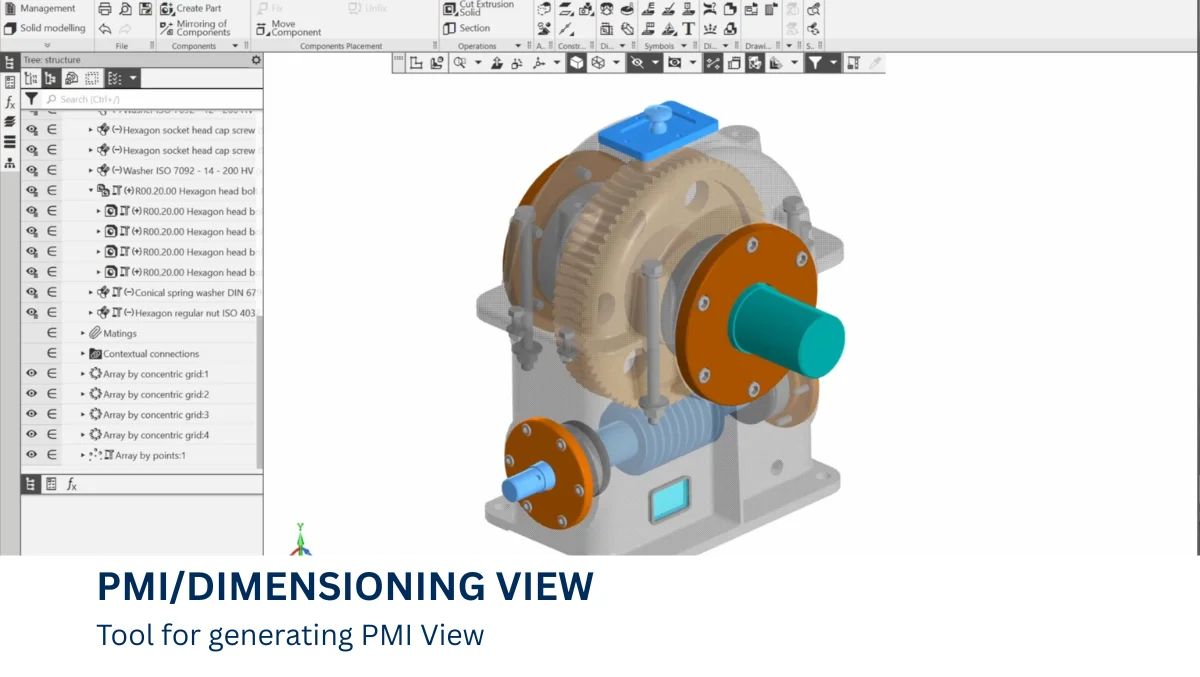
PMI/ Dimensioning View
Use sophisticated PMI and Dimensioning Views to prepare your 3D models for production. Keep everyone on the same page by simply communicating important dimensions, tolerances, notes, and inspection information.
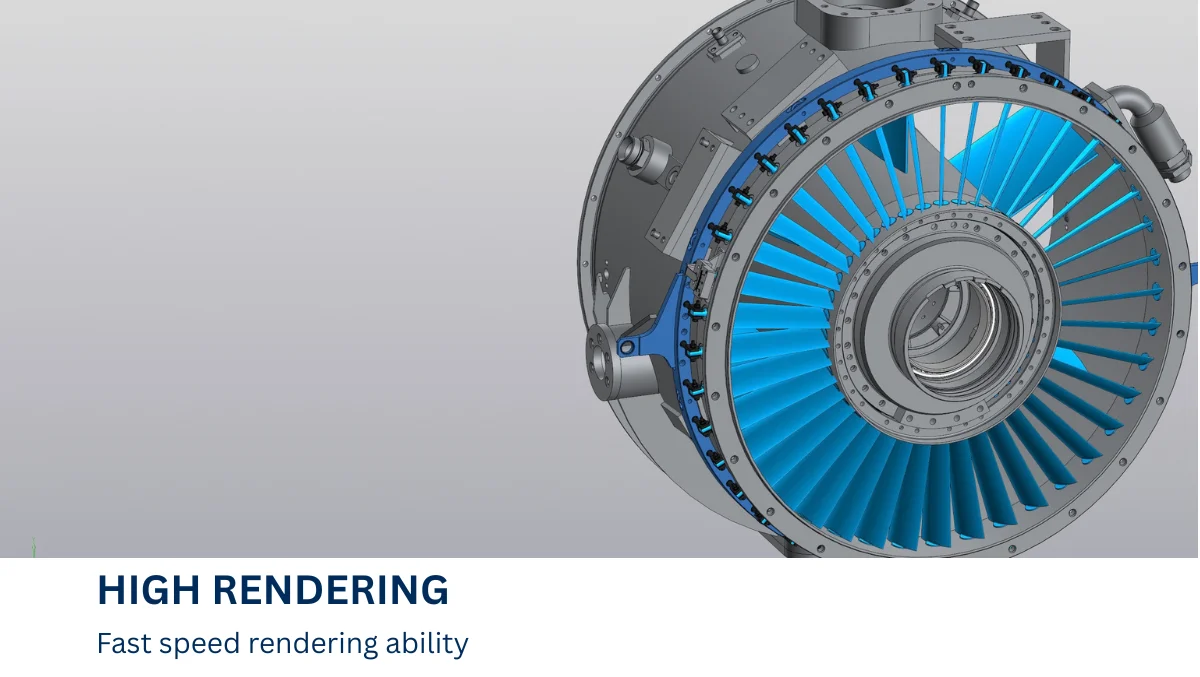
High Rendering Speed
Utilize fast CAD rendering to navigate intricate 3D models. Get quicker visual feedback and maintain the flow of your creative process.
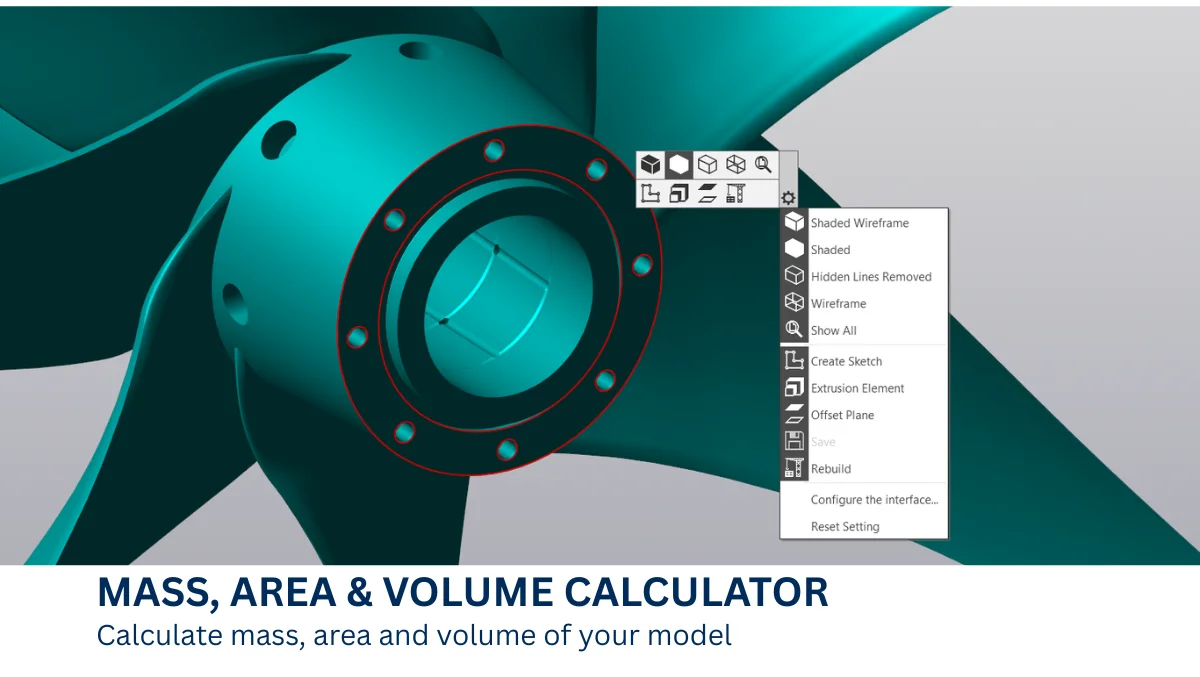
Mass, Area & Volume Calculator
Go beyond geometry. Make quicker and more intelligent engineering decisions by directly extracting important physical characteristics like mass, area, and volume from your CAD design.
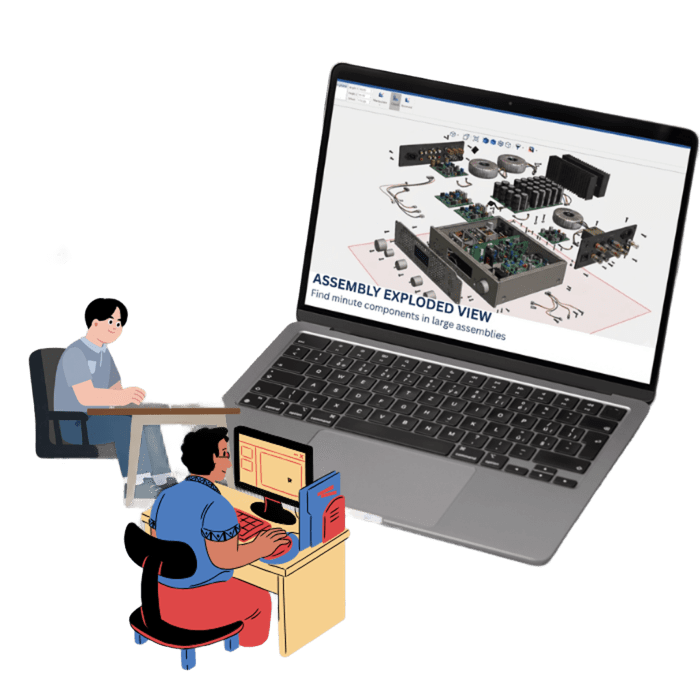
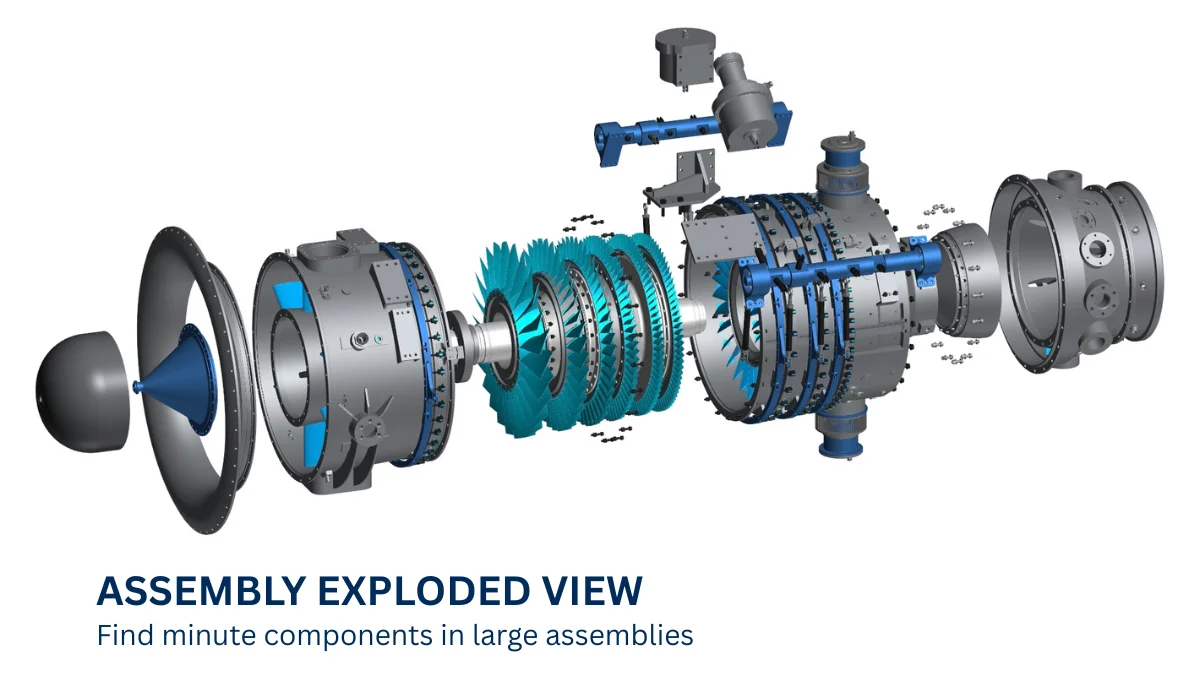
Assembly Exploded View
Create clear, detailed exploded views of 3D assemblies to visualize how individual components fit together. Make assembly instructions, project overviews, documentation and presentations easier and more efficient.
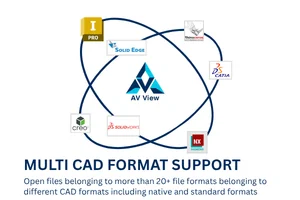
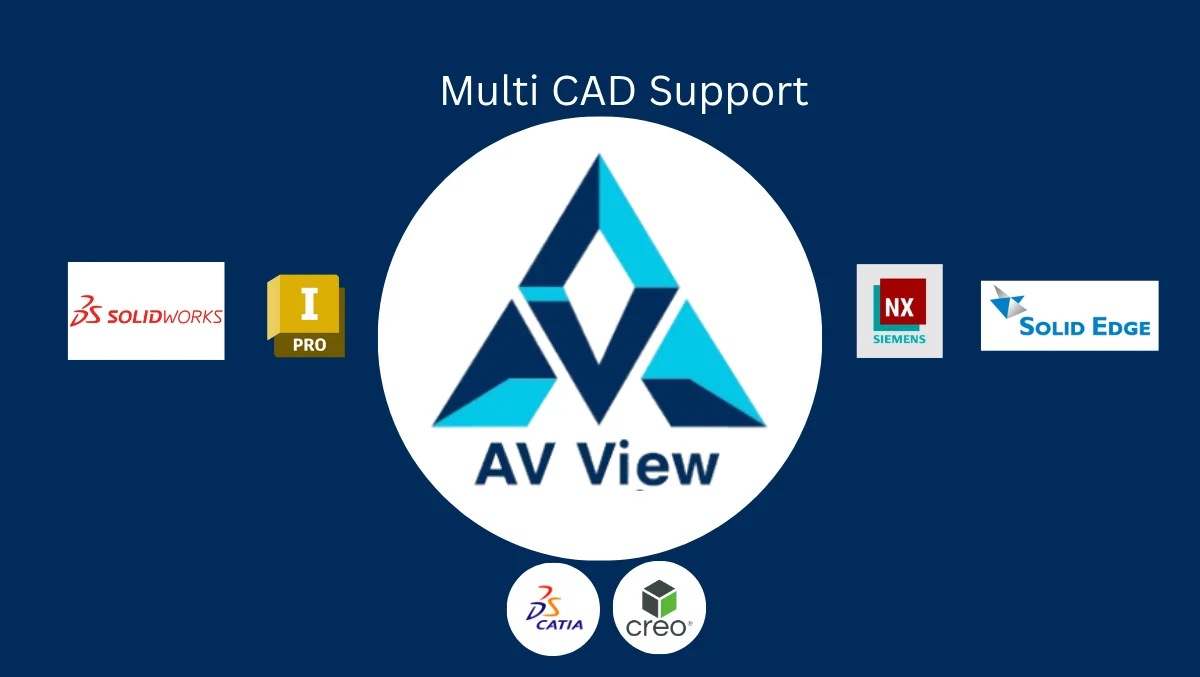
Multi CAD format file Support
Use AV View Multi CAD to open more than 20+ different formats of CAD files including native formats and standard formats without worrying about any additional plugins.
Industries We Serve:

Use in Aerospace and Space Industries
AV View Multi CAD offers seamless viewing experience of CAD models containing thousands of intricate components that are present in jet turbine assemblies, satellites and other aerospace components.

Use in Automobile Industries
AV View Multi CAD comes with seamless 360° rotation tool that does not hangs up during its operation. AV View Multi CAD improves productivity of users by keeping fidelity of 3D models and therefore, not requiring multiple loading of same 3D model.
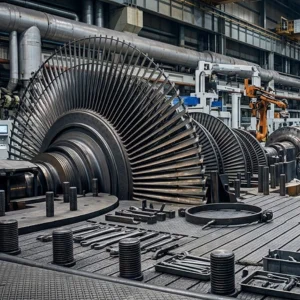
Use in Heavy Engineering Industries
When using AV View Multi CAD Viewer for heavy engineering, you never have to worry about component models and their file format. AV View Multi CAD offers support to more than 20 file formats including native file formats such as NX (2004-2023), CATIA (2003-2023), Creo (2002-2023) and SolidWorks (2007-2024). AV View Multi CAD also support standard file formats such as STEP, OBJ, JT, C3D, STL, IGES 5.3, and 3MF.
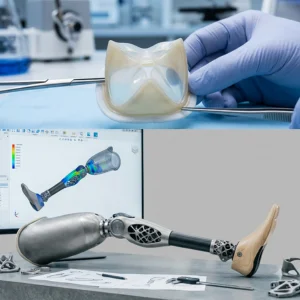
Application in Medical Field
Medical equipment have many microscopic components that are very critical to the working of equipment. AV View Multi CAD makes viewing all the components easy with its exploded view tool.
Visit by Russian Delegates






Russian delegation meeting our founders Mr. Anubhab Hazra and Mr. Vatsal Naik.
Get Free Trial License
Please fill up the form to get free trial license.
Frequently Asked Questions:
Q. How easy is it to use AV View Multi CAD Viewer?
A. Users find AV View Multi CAD Viewer very easy to use. Most of the viewing process occurs with just clicks where a single click can easily produce the desired result for users.
Q. Can User edit Models in AV View Multi CAD Viewer?
A. Yes, User can make minor editing in AV View Multi CAD Viewer. Edits such as changing labels and adding PMI descriptions can be made using AV View Multi CAD Viewer.
Q. Can AV View Multi CAD Viewer work with both 2D and 3D?
A. AV View Multi CAD Viewer currently work with 3D Models. However, viewing 2D models is in pipeline for future versions of the software.